Please make the amount of each contribution $10 USD or more if possible. Your contributions will be deeply appreciated. Learn more...GitHub Sponsors – Your contributions will be deeply appreciated.
CrystalDiskInfo
About CrystalDiskInfo
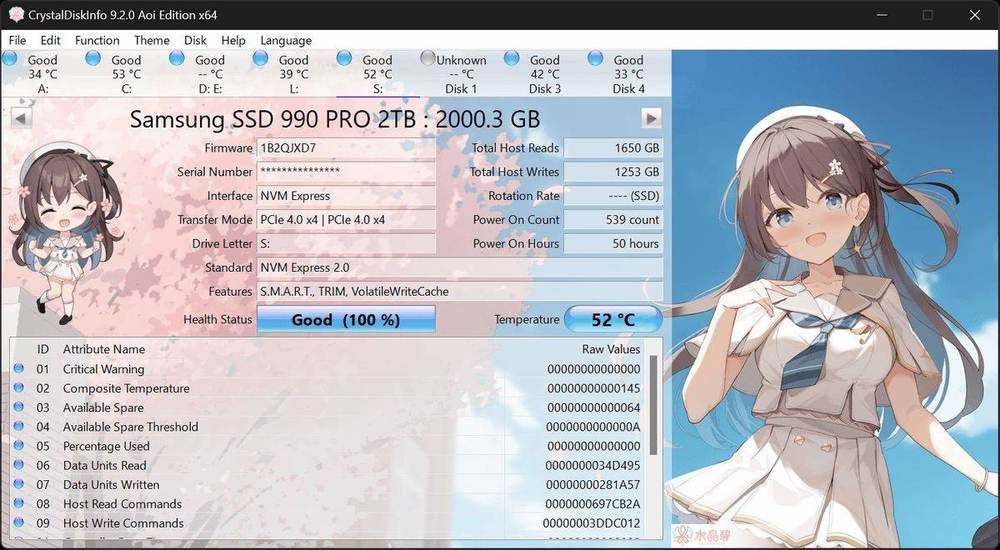
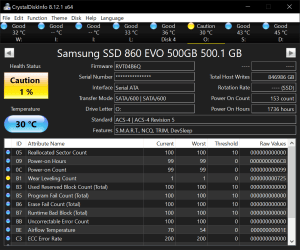
Free drive health monitor for Windows that reads S.M.A.R.T. data from SATA and NVMe disks, many USB enclosures, and select Intel RAID setups.
Practical guide to CrystalDiskInfo: SSD & HDD Health Monitor
This independent CrystalDiskInfo: SSD & HDD Health Monitor guide is written for Windows 11 and Windows 10 users who want a clear overview before installing or running the utility. It summarizes the tool’s purpose, supported use cases, edition choices, and the checks worth making before a test.
For consistent results, use the same Windows power plan, close active transfers, and record the selected test settings. Download only the edition you intend to use, verify the publisher information shown by Windows, and retain backups before any storage troubleshooting. Benchmark scores describe a specific workload and should be compared only when the test conditions match.